
Sharly Chess
The software I recommend
Players entering their own results with Sharly Chess
At my tournaments, players enter their own results. Less waiting between rounds, fewer copying errors, and an arbiter available for what really matters: the playing hall.
What is Sharly Chess?
Sharly Chess is free and open-source arbitration software, designed by arbiters for arbiters. It runs the whole tournament, from check-in to exporting results to the French Federation and FIDE: FIDE Swiss pairings, round-robins, cups, tie-breaks, prizes and norms.
Its strength: it works without the Internet. The arbiter’s computer acts as the server, and the screens, tablets or computers in the hall connect to it over the local network, wired or Wi-Fi.
For players
Entering your result in four steps
- Finish your game and sign both scoresheets with your opponent.
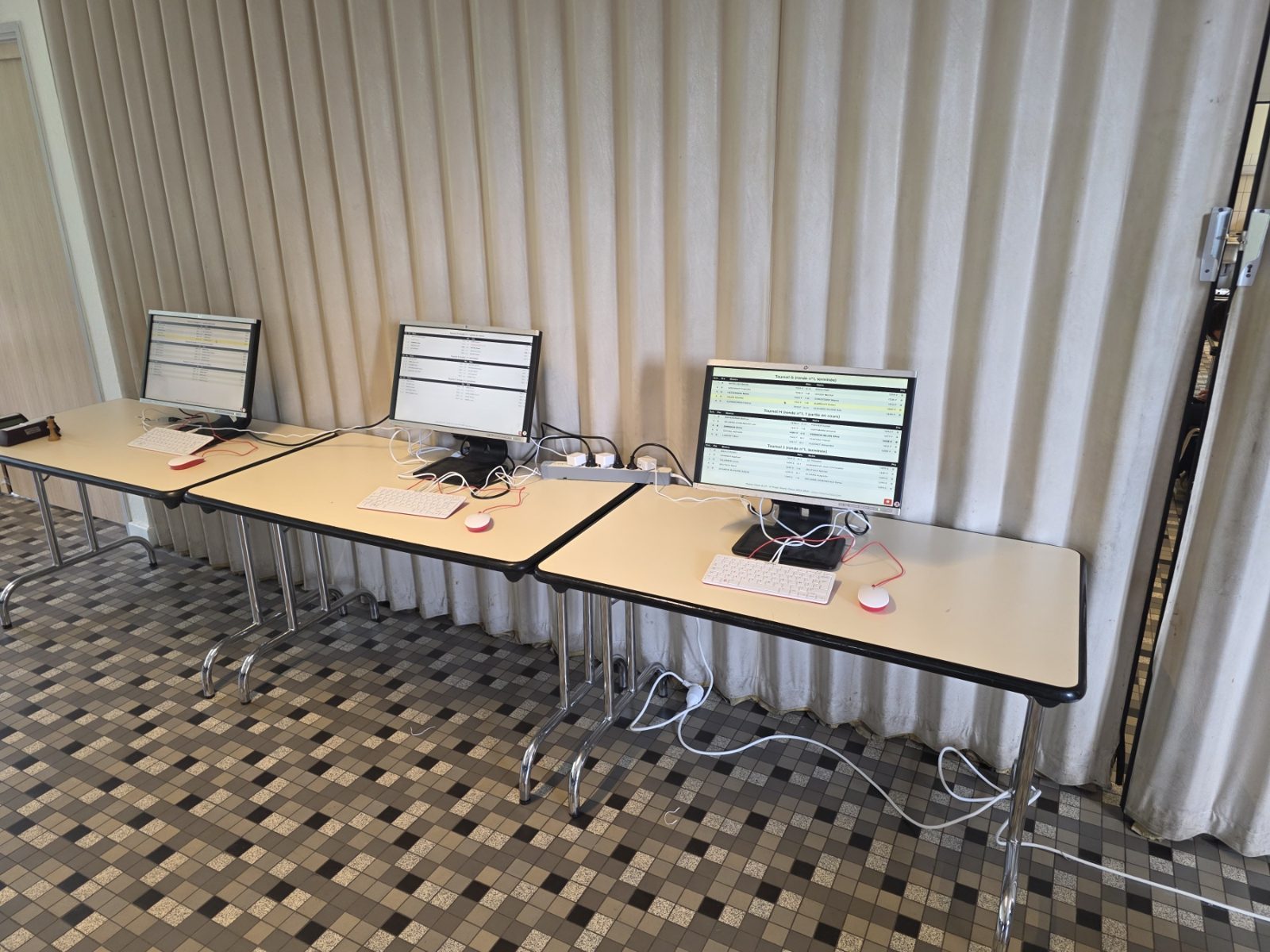
- Go to a result-entry station (tablet or computer) set up near the hall.
- Select your board: your table and opponent are displayed.
- Enter the result (1-0, ½-½ or 0-1) and confirm. That’s it!
The result immediately appears on the screens in the hall. Made a mistake? Don’t panic: tell the arbiter, who will correct it before validating the round.
For the arbiter
How I set up the hall
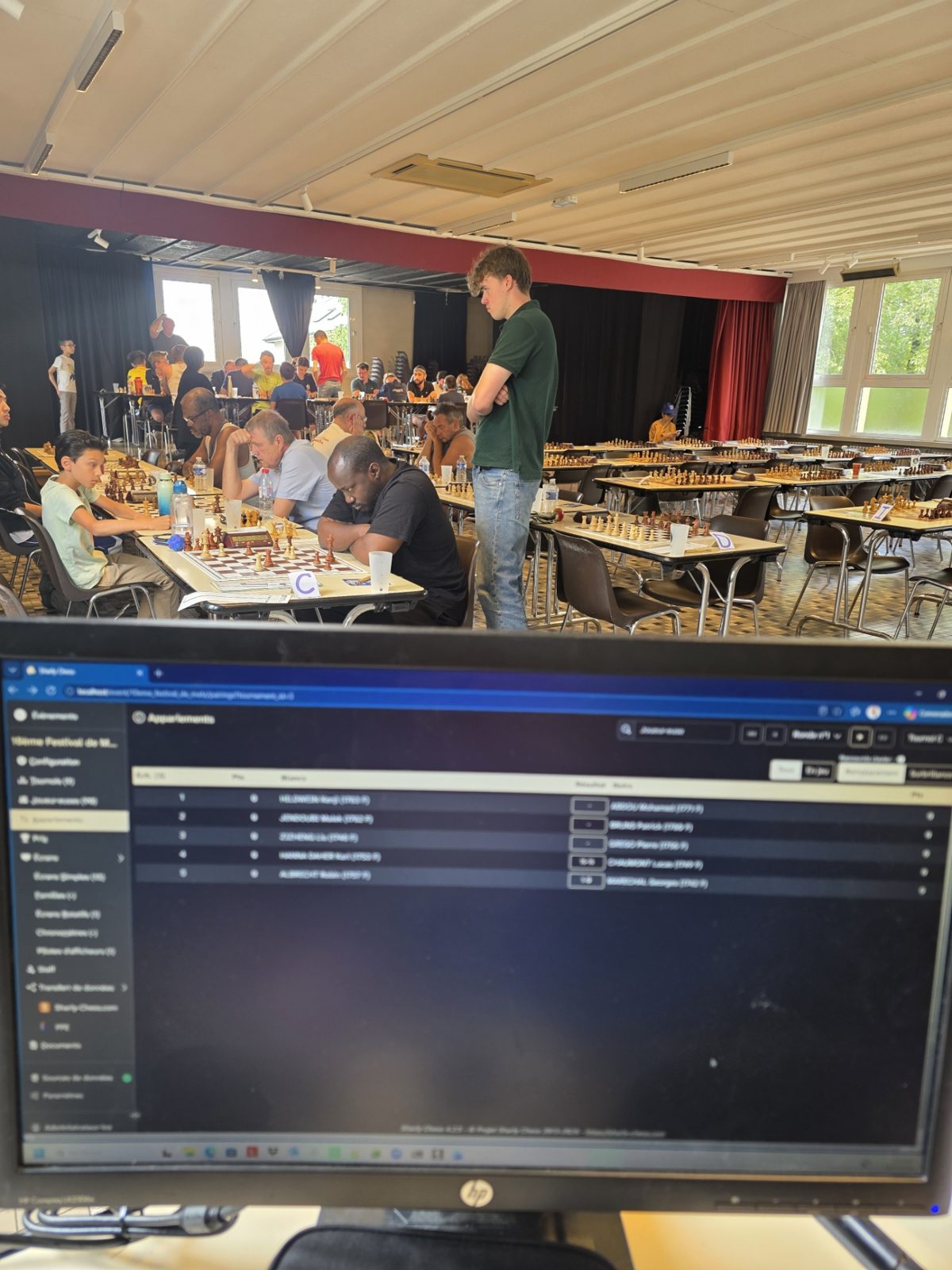
- My computer is the server: everything stays in the hall, with no dependence on an Internet connection.
- Result-entry stations at the exit of the playing hall, set up with the boards of one or more tournaments.
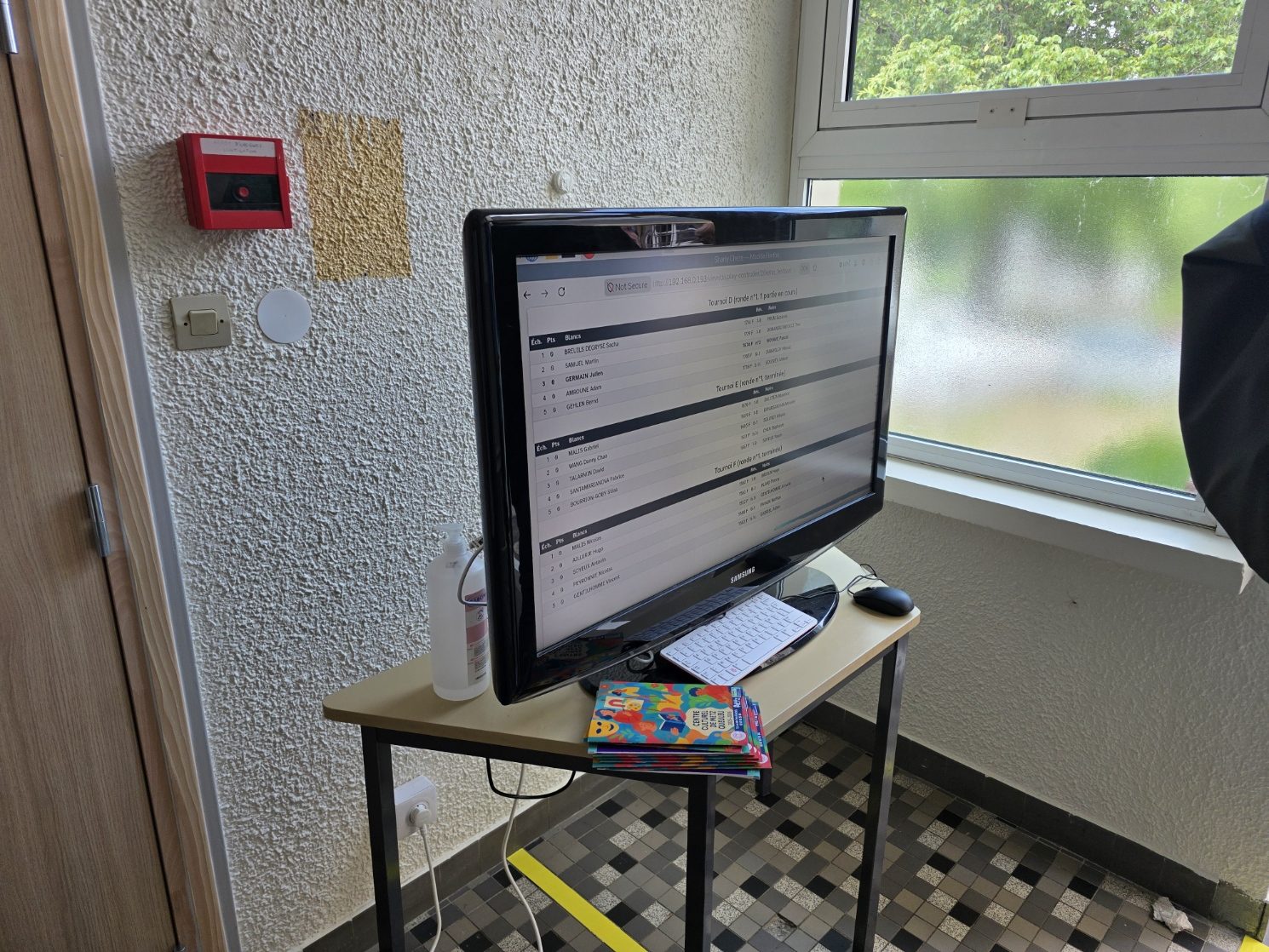
- Display screens for pairings, latest results and standings, updated live.
- A check every round: I compare the results entered with the scoresheets, then publish the round and make the next pairings.
The result: players find their table at a glance, rounds follow on without waiting, and I keep my eyes on the games in progress.
For organisers
The equipment you need
- A computer for the arbiter (Windows, macOS or Linux) with Sharly Chess installed
- A small local network (a home router or Wi-Fi router is enough, no Internet needed)
- One or more result-entry stations: tablets, old laptops or mini PCs
- One or more screens or a projector for display
I can advise you on setting up your hall, and bring some of the equipment if needed.
Organising a tournament? Let’s talk.
Contact me